
How to Install Hot IPTV Player on Firestick, Android TV Box and Google TV (2026)
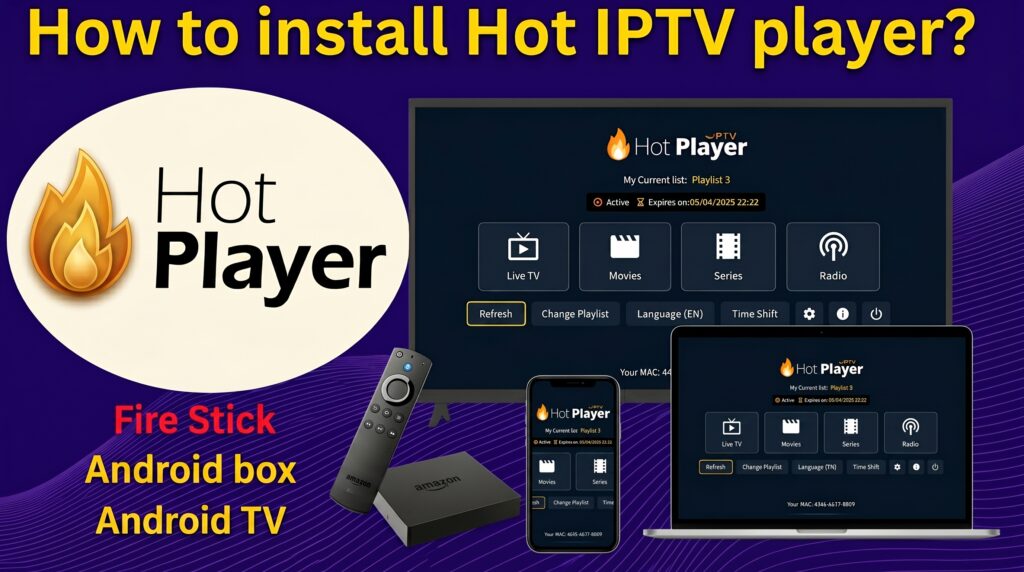
Looking for the fastest way to install Hot IPTV Player on your Firestick, Android TV Box, or Google TV device in 2026? You’re in the right place.
Hot IPTV Player has become one of the most popular IPTV player applications thanks to its modern interface, fast channel loading, and support for both M3U playlists and Xtream Codes API. Whether you’re using an Amazon Firestick, an Android TV Box, or a Google TV device, the setup process takes only a few minutes.
In this guide, you’ll learn how to install Hot IPTV Player, activate your IPTV service, add your playlist, and fix common issues that may prevent channels from loading correctly.
What is Hot IPTV Player?
Hot IPTV Player is a media player application designed for streaming live TV channels, movies, and series through IPTV services.
Key Features:
- M3U Playlist Support
- Xtream Codes API Login
- EPG Integration
- Favorites Management
- Fast Channel Switching
- Full HD and 4K Streaming Support
- Compatibility with Firestick, Android TV, and Google TV
Requirements Before Installation
Before installing Hot IPTV Player, make sure you have:
- Stable Internet Connection (25 Mbps or higher recommended)
- IPTV Subscription
- M3U Playlist URL or Xtream Codes Credentials
- Firestick, Android TV Box, or Google TV Device
How to Install Hot IPTV Player on Firestick
Step 1: Enable Unknown Sources
- Open Settings.
- Select My Fire TV.
- Click Developer Options.
- Enable Install Unknown Apps.
- Allow your Downloader application.
Step 2: Install Downloader
- Open Amazon App Store.
- Search for Downloader.
- Install the Downloader app.
Step 3: Download Hot IPTV Player
- Launch Downloader.
- Enter the latest Hot IPTV Player download URL.
- Download the APK file.
- Click Install.
- Launch Hot IPTV Player.
How to Install Hot IPTV Player on Android TV Box
Step 1: Enable Unknown Sources
- Open Settings.
- Navigate to Security.
- Enable Unknown Sources.
Step 2: Download the APK
- Open Browser or Downloader.
- Download Hot IPTV Player APK.
- Install the application.
Step 3: Open the Application
After installation:
- Launch Hot IPTV Player.
- Accept required permissions.
- Proceed to playlist setup.
How to Install Hot IPTV Player on Google TV
Step 1: Prepare Google TV
- Open Settings.
- Go to Apps.
- Enable installation from unknown sources if required.
Step 2: Install Downloader
Download and install Downloader from the Play Store.
Step 3: Download and Install Hot IPTV Player
- Open Downloader.
- Enter the download URL.
- Install the APK.
- Open the application.
How to Add an M3U Playlist
After launching Hot IPTV Player:
- Open the Playlist Section.
- Select Add Playlist.
- Choose M3U URL.
- Enter your playlist URL.
- Save the settings.
- Refresh channels.
The channel list should load automatically within a few seconds.
How to Login Using Xtream Codes
If your IPTV provider uses Xtream Codes:
- Open Hot IPTV Player.
- Select Xtream Login.
- Enter:
- Server URL
- Username
- Password
- Click Login.
- Wait for channel synchronization.
Best Settings for Buffer-Free Streaming
To get the best performance:
- Use a 5 GHz Wi-Fi network.
- Prefer Ethernet connection when possible.
- Use HLS format when available.
- Keep the application updated.
- Restart your device regularly.
Recommended Speeds:
- HD Streaming: 15 Mbps
- Full HD Streaming: 25 Mbps
- 4K Streaming: 50 Mbps+
Hot IPTV Player Not Working? Fixes
App Won’t Open
- Restart device.
- Reinstall application.
- Clear application cache.
Playlist Not Loading
- Verify playlist URL.
- Check subscription status.
- Refresh channels.
Buffering Issues
- Change DNS to 1.1.1.1 or 8.8.8.8.
- Restart router.
- Test another network.
Frequently Asked Questions
Is Hot IPTV Player Free?
The application may offer free access or activation options depending on the version installed.
Can I Use Hot IPTV Player on Multiple Devices?
Yes, depending on your IPTV provider’s connection policy.
Does Hot IPTV Player Support 4K?
Yes. The application supports Full HD and 4K streams when supported by your IPTV service.
Final Thoughts
Installing Hot IPTV Player on Firestick, Android TV Box, and Google TV is straightforward when you follow the correct setup process. Once installed, simply add your M3U playlist or Xtream Codes account and start streaming your favorite channels, movies, and series.
If you’re looking for the best IPTV experience in 2026, make sure your device is updated, your internet connection is stable, and your IPTV service supports high-quality streaming.
watch the full guide in my youtube channel