
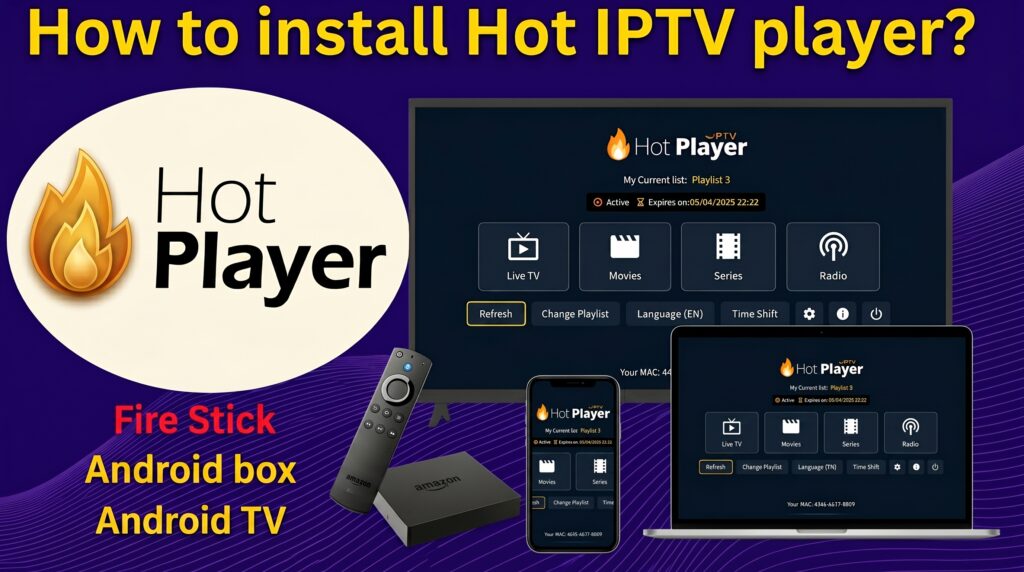
If you are looking for a fast, reliable, and premium IPTV media player for your Smart TV, the Hot Player app is currently one of the top choices in 2026. Whether you own a Samsung Smart TV, LG WebOS, or an Android TV box, this step-by-step guide will show you exactly how to install Hot Player and connect your PureStream4K playlist in less than 5 minutes.
🎥 Watch: Hot Player Smart TV Setup Tutorial
🛠️ How to Install Hot Player on Samsung & LG Smart TV
Because Hot Player is an officially recognized media player, you don’t need to sideload it. Follow these steps:
Open the App Store: Go to the Samsung App Store or LG Content Store on your TV.
Search for the App: Use the search bar and type “Hot Player”.
Install: Click on the Hot Player icon and select Download/Install.
Get Your MAC Address: Open the app once installed. You will see a MAC Address and a Key displayed on your screen. Keep this screen open.
🚀 How to Upload Your PureStream4K Playlist to Hot Player
Hot Player does not include any channels. To activate your playlist, follow this quick process:
Go to the official Hot Player website using your phone or PC (
hotplayer.app).Enter the MAC Address and Key that appeared on your Smart TV screen.
Paste the M3U Link or Xtream Codes credentials provided in your PureStream4K active subscription.
Click Save/Upload and restart the Hot Player app on your Smart TV.
💬 Hot Player IPTV – Frequently Asked Questions (FAQs)
Q: Is Hot Player app free to use? A: Hot Player usually offers a 7-day free trial. After the trial period ends, you will need to pay a small one-time activation fee on their official website to use the player permanently.
Q: Why is Hot Player buffering or freezing on my Smart TV? A: Buffering is rarely caused by the app itself. To enjoy seamless 4K streaming without freezing, ensure your internet connection is at least 25 Mbps and that you are using a premium, high-speed provider like PureStream4K.
Q: Can I install Hot Player on Amazon Firestick? A: Yes. If it is not available in the Amazon App Store, you can easily install it by downloading the Hot Player APK using the Downloader app.