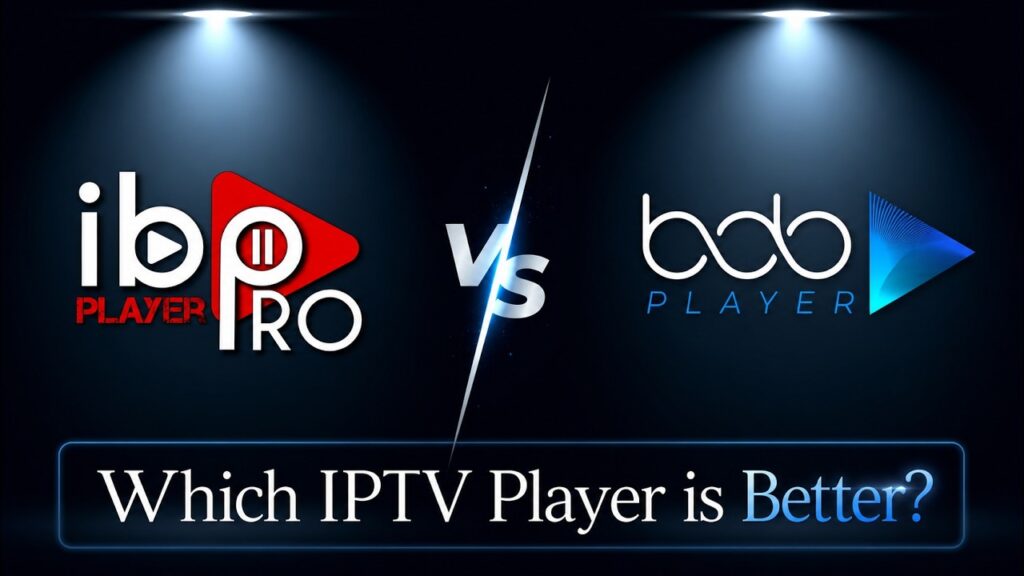
When setting up a premium streaming experience, choosing the right media player is just as important as choosing your subscription provider. In 2026, two premium cloud-activated players dominate the market: BOB Player and IBO Player Pro.
Both apps are empty shells that require a high-speed playlist like PureStream4K to function, and both utilize a MAC Address-based cloud portal for configuration. But which one is truly worth your activation fee?
Let’s break down the ultimate comparison to help you choose the perfect player for your setup.
🎥 Watch: BOB Player vs. IBO Player Pro Head-to-Head Comparison
📊 Quick Comparison: BOB Player vs. IBO Player Pro
| Feature | BOB Player | IBO Player Pro |
| Interface Style | Ultra-minimalist, dark mode optimized | Modern, grid-focused, customizable |
| Zapping Speed | Fast (0.8s average) | Instantaneous (under 0.5s) |
| EPG Support | Basic XMLTV sync | Advanced auto-syncing with Xtream Codes |
| Device Compatibility | Firestick, Android TV, Smart TVs | Firestick, Android TV, Smart TVs, Apple iOS/tvOS |
| Activation Model | Yearly or Lifetime license | Lifetime license (Highly recommended) |
| Best Server Match | PureStream4K | PureStream4K |
🎨 1. User Interface & Customization
BOB Player: Focuses heavily on a clean, dark, and distraction-free design. It is incredibly lightweight and performs exceptionally well on older, low-spec Android TV boxes or older Firesticks.
IBO Player Pro: Offers a more premium, high-tech interface. It supports multiple themes, custom backgrounds, and organizes huge libraries of movies and TV shows into beautifully cataloged posters with full metadata.
⚡ 2. Performance & Streaming Stability
Both players excel at handling high-bandwidth 4K streams, but they handle caching differently:
BOB Player uses a linear cache system which is perfect for stable, long-term live TV streaming.
IBO Player Pro is highly optimized for quick zapping (channel surfing). If you jump between sports channels frequently, IBO Player Pro loads streams slightly faster and syncs audio-video tracks without delay.
⚙️ 3. Setup & Playlist Management
Both players use a secure online cloud portal where you input your device’s MAC Address and Device Key.
BOB Player Setup: Requires uploading your playlist link to their dashboard. It runs incredibly well with standard M3U configurations.
IBO Player Pro Setup: Features a highly robust Xtream Codes API integration. When linked with your PureStream4K credentials, it maps out the Electronic Program Guide (EPG) flawlessly and updates your channels automatically on boot.
💬 Comparison & Activation – FAQs
Q: Can I use my BOB Player activation code on IBO Player Pro?
A: No. These are two completely separate software applications developed by different teams. An activation license purchased for BOB Player will not work on IBO Player Pro, and vice versa.
Q: Do these apps come with channels if I pay the activation fee?
A: Absolutely not. Paying the license fee only unlocks the player’s software permanently on your device. You must purchase a premium service like [suspicious link removed] to get access to 4K channels, live sports, and VOD.