
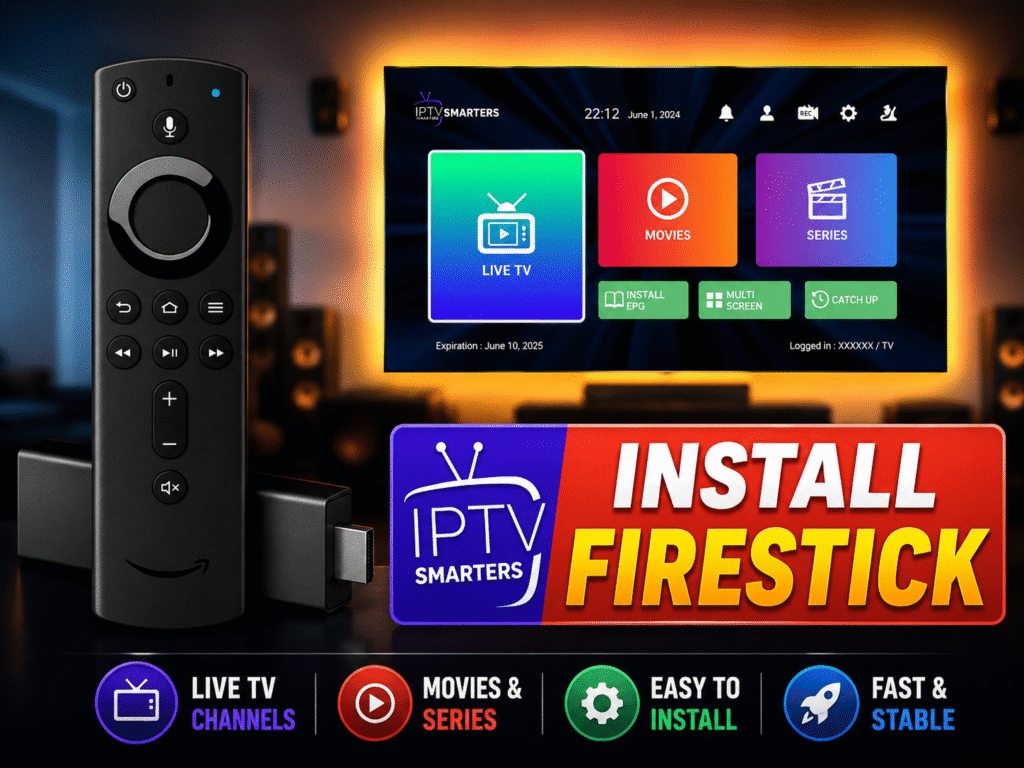
Amazon Firestick is easily the best device to stream high-quality live TV, but because IPTV Smarters Pro isn’t always available directly on the official Amazon App Store in every region, users think the setup is difficult.
Good news: you don’t need to be a tech genius. Follow this ultra-simple 2026 guide to bypass the junk settings, download the official app using Downloader, and load your PureStream4K playlist in under 3 minutes.
🎥 Watch: Firestick IPTV Smarters Pro Setup Made Easy
🛠️ Step 1: Prep Your Firestick for Downloader (The 2026 Way)
To install third-party apps, you just need to unlock the hidden Developer Options on your Firestick:
Go to Firestick Settings (Gear Icon) > My Fire TV.
Click About.
Scroll to your Fire TV Stick name and click it 7 times continuously until a message says: “You are already a developer.”
Go back one screen, open Developer Options, select Install Unknown Apps, and turn it ON for the Downloader app.
📥 Step 2: Download & Install IPTV Smarters Pro
Now that your device is ready, let’s grab the official, secure APK package:
Open the Downloader app from your main Firestick home screen.
Click on the URL/Search bar, type the official smarts app code or use a direct trusted source link.
Click Go. The application file will download automatically.
Once the download finishes, click Install and then click Done.
(Optional Pro Tip) Choose Delete twice to clear the installation file and save precious storage space on your Firestick.
🚀 Step 3: Fast Login with Your PureStream4K Credentials
Open IPTV Smarters Pro from your “Your Apps & Channels” section.
Select “Log in with Xtream Codes API” (Always choose this method—it has zero complicated settings).
Fill in your PureStream4K subscription info:
Any Name:
PureStream4KUsername & Password: (Copy exactly from your activation email)
Portal URL: (Enter the server URL provided by us)
Click Add User, grab your remote, and start watching premium 4K channels instantly!
💬 Firestick Setup – FAQs
Q: Is it safe to use IPTV Smarters Pro on Firestick? A: Yes. IPTV Smarters Pro is entirely legal and safe as it is just an empty media player. To guarantee 100% security, privacy, and protection against ISP throttling during major live sporting events, we highly recommend pairing your player with a high-speed server like PureStream4K.
Q: Why is the app freezing or showing a black screen on Firestick? A: This happens if your Firestick is low on storage or if your internet speed drops. Clearing the app cache in Firestick settings or migrating your account to an ultra-fast premium playlist provider like PureStream4K eliminates this issue completely.