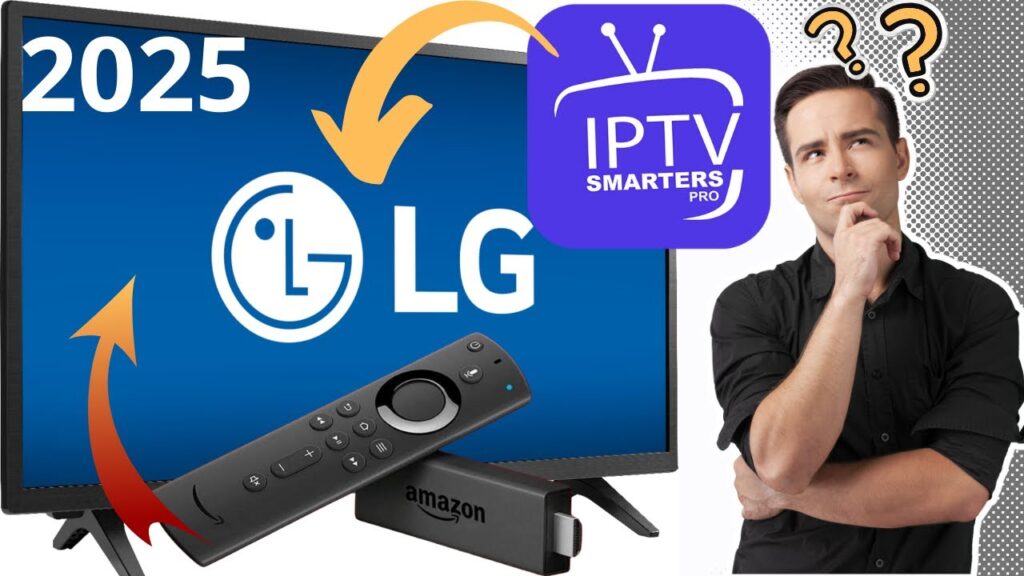
LG Smart TVs running on WebOS deliver an incredible display for streaming, but to fully unlock their potential, you need a highly efficient media player. In 2026, IPTV Smarters Pro remains one of the absolute best free apps available directly on the LG Content Store.
Because the app comes entirely empty, you will need a high-speed premium playlist to stream live channels and VOD. Follow this straight-to-the-point setup guide to install IPTV Smarters Pro and link your PureStream4K credentials in less than 3 minutes.
🎥 Watch: LG Smart TV IPTV Smarters Pro Setup Tutorial
🛠️ Step 1: Download IPTV Smarters Pro from the LG Content Store
You do not need any external USB sideloading tools. The app is officially supported on LG WebOS:
Turn on your TV and press the Home button on your LG remote.
Launch the LG Content Store (or Apps menu on newer WebOS versions).
Click on the Search icon (magnifying glass) at the top of the screen.
Type “IPTV Smarters Pro” (or Smarters Player Lite) and select the official app.
Click Install. Once the download finishes, launch the app directly from your home dashboard.
🚀 Step 2: Connect Your PureStream4K Credentials (Xtream Codes)
When you open the app for the first time, accept the terms and select “Log in with Xtream Codes API”. This method is much more stable than pasting a long M3U link, and it updates your TV guide automatically.
Fill out the login fields exactly as shown in your PureStream4K activation details:
Any Name: Type
PureStream4KUsername: Enter your unique subscription username.
Password: Enter your secure password.
Portal URL: Paste the active server hostname link (make sure to include the port number, e.g.,
:8080).Click “ADD USER” and allow a few seconds for the premium 4K channels and VOD folders to load.
💬 LG Smart TV Setup – FAQs
Q: Why can’t I find IPTV Smarters Pro in my LG App Store? A: If the app is missing, it is typically due to regional app restrictions on your LG services account. To fix this, simply go to your TV’s Settings > General > System > Location and change your LG Services Country to the United States or the United Kingdom, then check the store again.
Q: Does IPTV Smarters Pro cost money on LG WebOS? A: No, downloading and using the standard version of IPTV Smarters Pro to load your playlist is completely free. Please note that this fee-free status applies only to the application itself; it does not include streaming content. A premium subscription like PureStream4K is required to activate live programming.