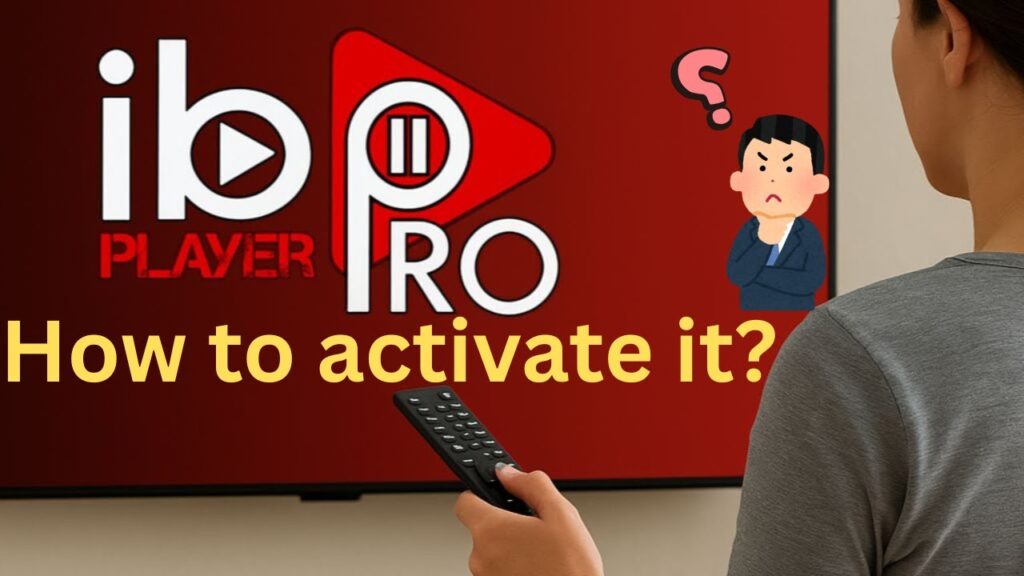
If you have installed IBO Player Pro on your Firestick, Android TV, or Smart TV and your 7-day free trial has expired, you are probably seeing the “Expired” screen. To continue using this high-performance player, you must activate its software license.
⚠️ Crucial Note: Activating the IBO Player Pro app does NOT give you channels. It only unlocks the player itself. You will still need an active premium playlist subscription like PureStream4K to watch live TV and sports in 4K.
Follow this official step-by-step activation guide to unlock your application safely in 2026.
🎥 Watch: How to Easily Activate IBO Player Pro
🛠️ Step 1: Find Your MAC Address & Device Key
To process your activation, the system needs to identify your specific hardware:
Open IBO Player Pro on your streaming device.
Note down the Device MAC Address (e.g.,
00:11:22:33:aa:bb) and the unique Device Key displayed on the expiration screen.Keep this screen open or take a quick picture with your phone.
💳 Step 2: Pay the IBO Player Pro Activation Fee
Make sure you are using the official and secure portal to avoid clone or scam sites:
Open your browser on a phone or computer and go to the official portal:
iboplayerpro.com(or the direct activation link shown inside your app).Click on the “Activate Device” tab.
Enter your TV’s MAC Address and Device Key exactly as they appear on your screen.
Select your preferred license plan:
One-Year License: Great for short-term devices.
Lifetime License (Recommended): A one-time payment (usually around 7-8 EUR) that unlocks the app on that device forever.
complete the secure payment via credit card or your local payment option.
🚀 Step 3: Reload Your PureStream4K Playlist
Once the portal displays “Device Activated Successfully”, you need to reload your subscription:
Under the same web portal, go to “Manage Playlists”.
Select Add Playlist -> Xtream Codes API.
Input your active PureStream4K credentials (Username, Password, and Server Port URL).
Save the playlist, restart IBO Player Pro on your TV, and enjoy seamless streaming instantly!
💬 App Activation – FAQs
Q: Can I transfer my lifetime IBO Player Pro license to another TV? A: No. The license is permanently locked to the unique MAC Address of your TV or Firestick’s hardware. If you buy a new device, you will need to activate the application again on the new MAC Address.
Q: I paid for activation, but the channels are still not showing up! A: Remember that the app license payment only goes to the software developers to keep the player running. If you see an empty dashboard or a “No Playlist” message, it means you haven’t connected your premium PureStream4K playlist yet. Follow Step 3 to upload your credentials.