
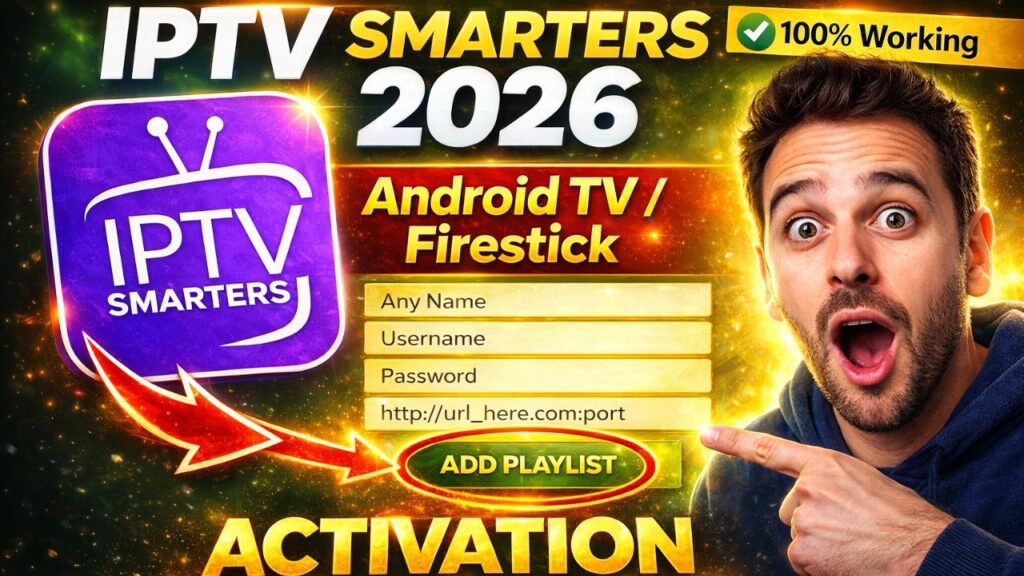
Whether you just purchased a new subscription or you are setting up your media player for the first time, configuring your playlist properly is key to unlocking high-quality streaming. In 2026, IPTV Smarters Pro remains the top choice for organizing live TV, movies, and VOD.
In this comprehensive guide, we will break down the two official methods to hook up your PureStream4K subscription: Xtream Codes API and M3U Playlist URL. Follow these exact steps to avoid common login errors.
🎥 Watch: Complete Xtream Codes & M3U Smarters Pro Tutorial
🚀 Method 1: Setting Up via Xtream Codes API (Highly Recommended)
The Xtream Codes API is the fastest and most stable configuration method in 2026. It automatically maps your Electronic Program Guide (EPG) and syncs channel updates without slowing down your app.
Open IPTV Smarters Pro and click on “Add New User”.
Select “Log in with Xtream Codes API”.
Fill out the configuration fields exactly as provided in your PureStream4K welcome email:
Any Name: Type
PureStream4K PremiumUsername: Paste your unique account username.
Password: Enter your secure password.
Portal URL: Paste the server hostname link (ensure it includes the correct port number, e.g.,
:8080).
Click “ADD USER” and let the application load your premium dashboard.
📂 Method 2: Setting Up via M3U Playlist URL
If your streaming device or network setup requires a direct file path, using the traditional M3U link is your alternative route.
Launch the app and select “Load Your Playlist or File/URL”.
Set the playlist type to “M3U URL”.
Give your list a name (e.g.,
PureStream4K M3U).Paste the URL: Carefully copy and paste the long M3U line from your dashboard.
⚠️ Critical Step: Make sure there are no accidental spaces at the very beginning or end of the pasted link, as a single typo will trigger a download timeout error.
Click “Add User” to compile the live streaming streams.
💬 Xtream Codes vs. M3U Setup – FAQs
Q: Why does the app show an “Authorized Error” or “Invalid Details” status? A: This notification points directly to an error inside your credentials. Double-check your upper/lowercase letters and ensure that your PureStream4K account hasn’t reached its maximum allowed simultaneous device connections.
Q: Does IPTV Smarters Pro automatically update the M3U channels? A: While Xtream Codes API updates your library automatically every time you start the app, M3U setups sometimes require a manual sync. If you notice missing TV channels or updated VOD folders, simply click the “Refresh” button inside the account settings.